> ## Documentation Index
> Fetch the complete documentation index at: https://statsig-4b2ff144-devin-1763168466-llm-docs-audit.mintlify.site/llms.txt
> Use this file to discover all available pages before exploring further.
# Create a dynamic config
> Learn how to create a new dynamic config in the Statsig console
To create a dynamic config,
* Log into the Statsig console at [https://console.statsig.com](https://console.statsig.com)
* On the left-hand navigation panel, select **Dynamic Configs**
* Click the **Create New** button
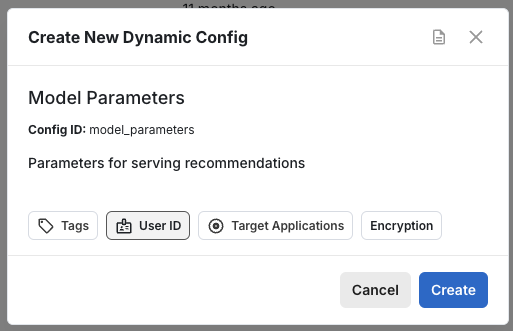
* Enter a name and description, and click **Create**