What are Offline Evals
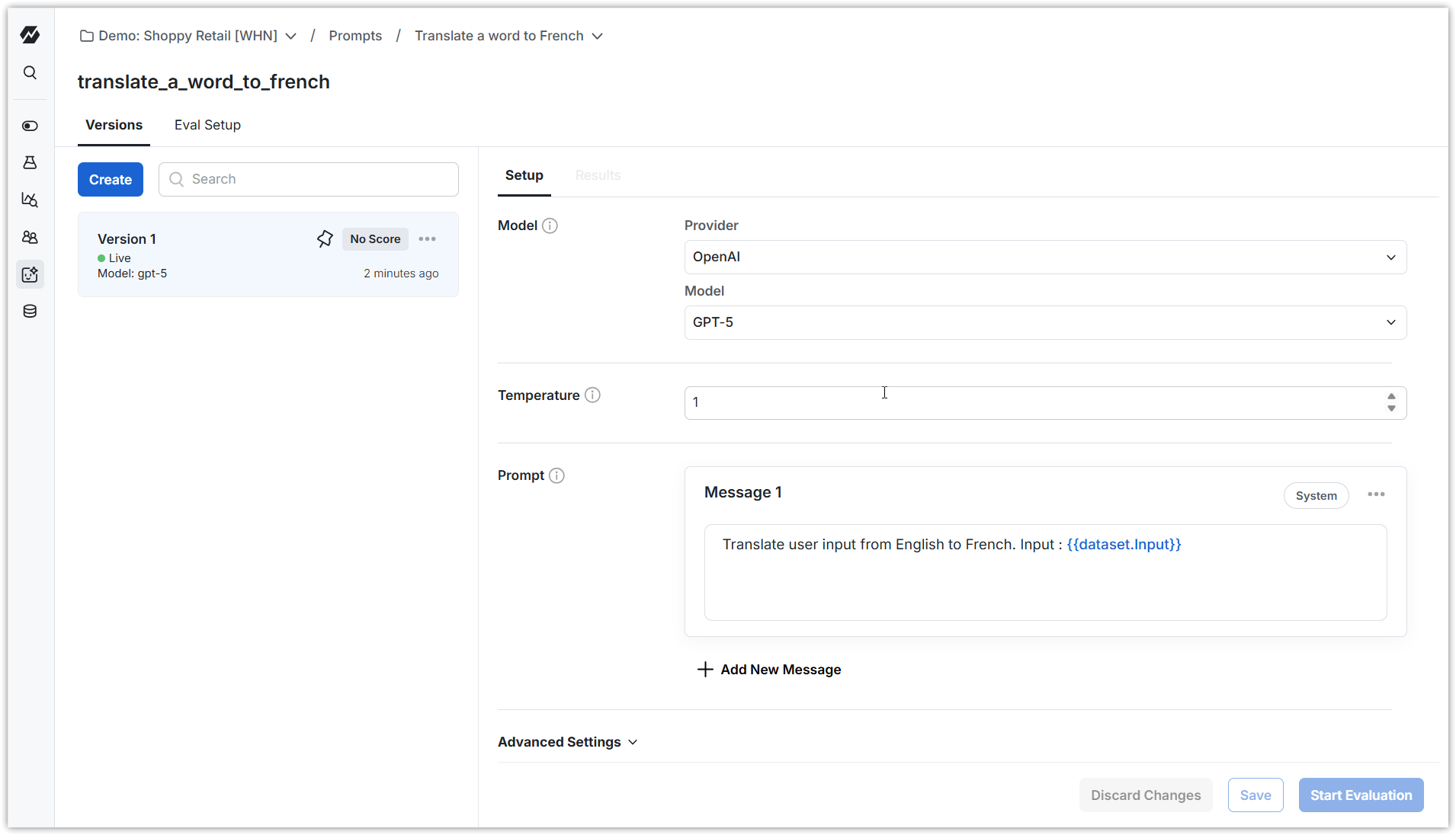
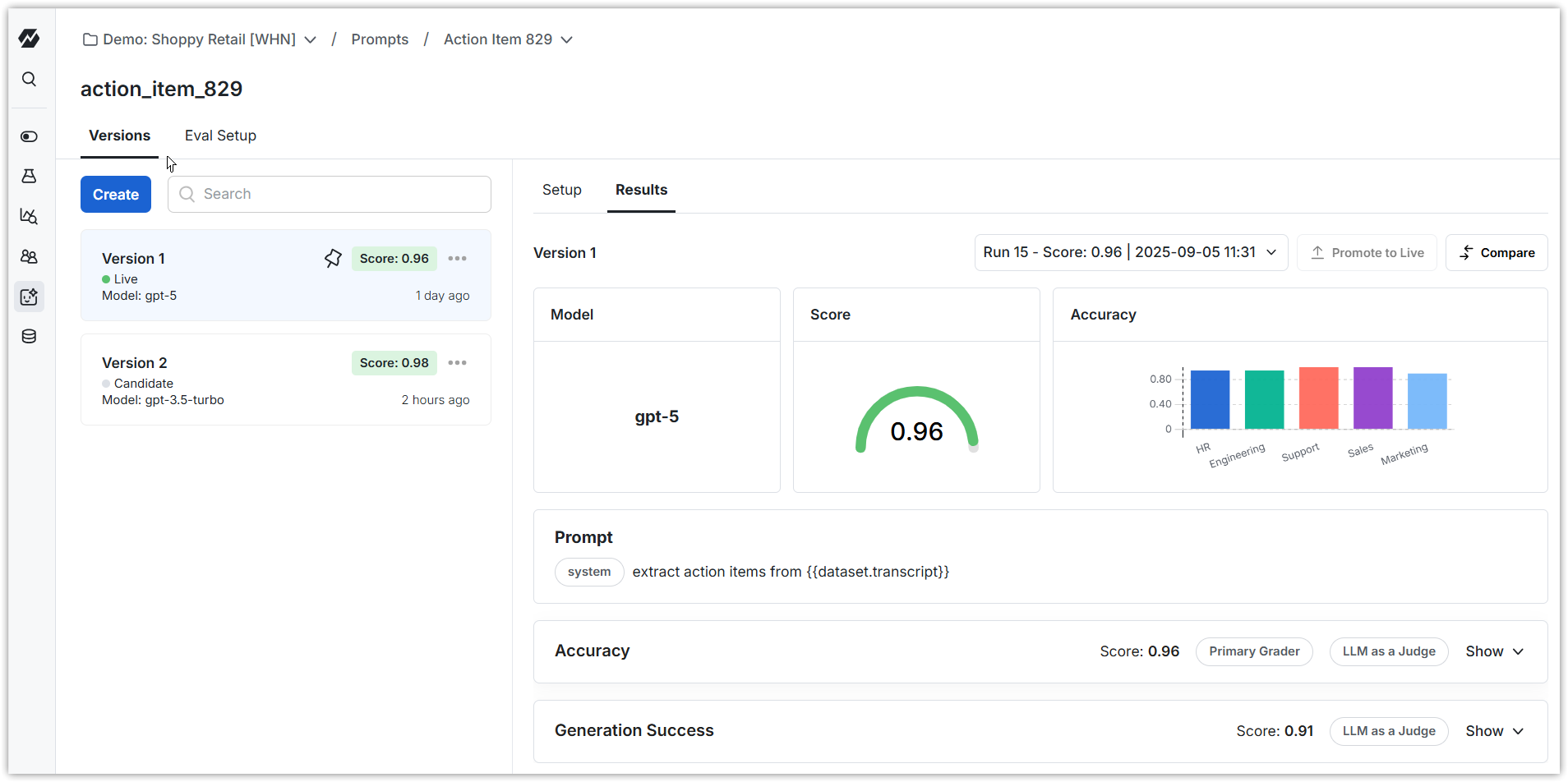
Offline evals offer a quick, automated grading of model outputs on a fixed test set. They catch wins / regressions early—before any real users are exposed. e.g. compare a new support‑bot’s replies to gold (human curated) answers to decide if it is good enough to ship. Steps to do this on Statsig -- Create a Prompt. This contains the prompt for your task (e.g. Classify tickets as high, medium or low urgency based on ticket text)
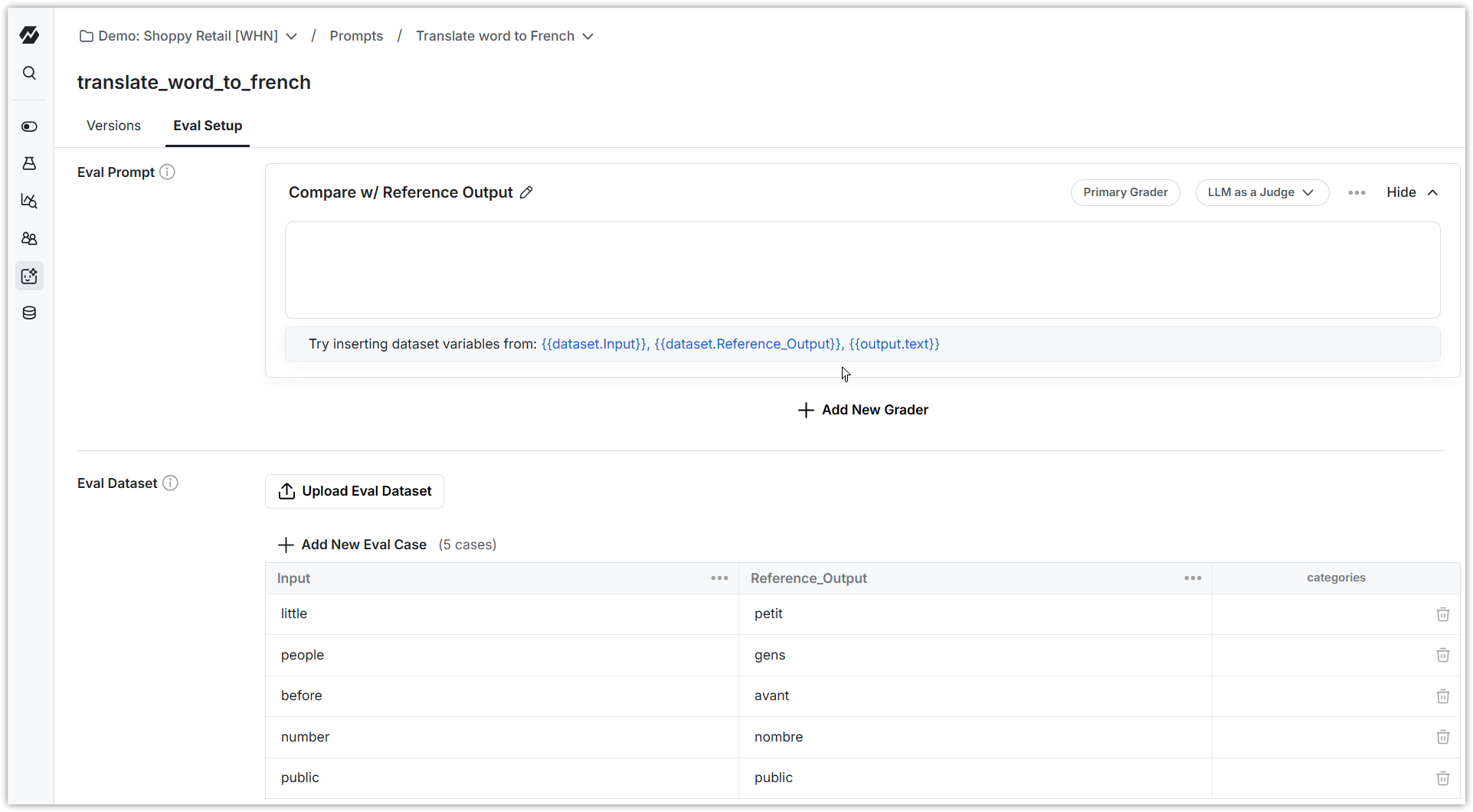
- Upload a sample dataset - with example inputs and ideal answers (e.g. Ticket1 text, High; Ticket2 text, Low)
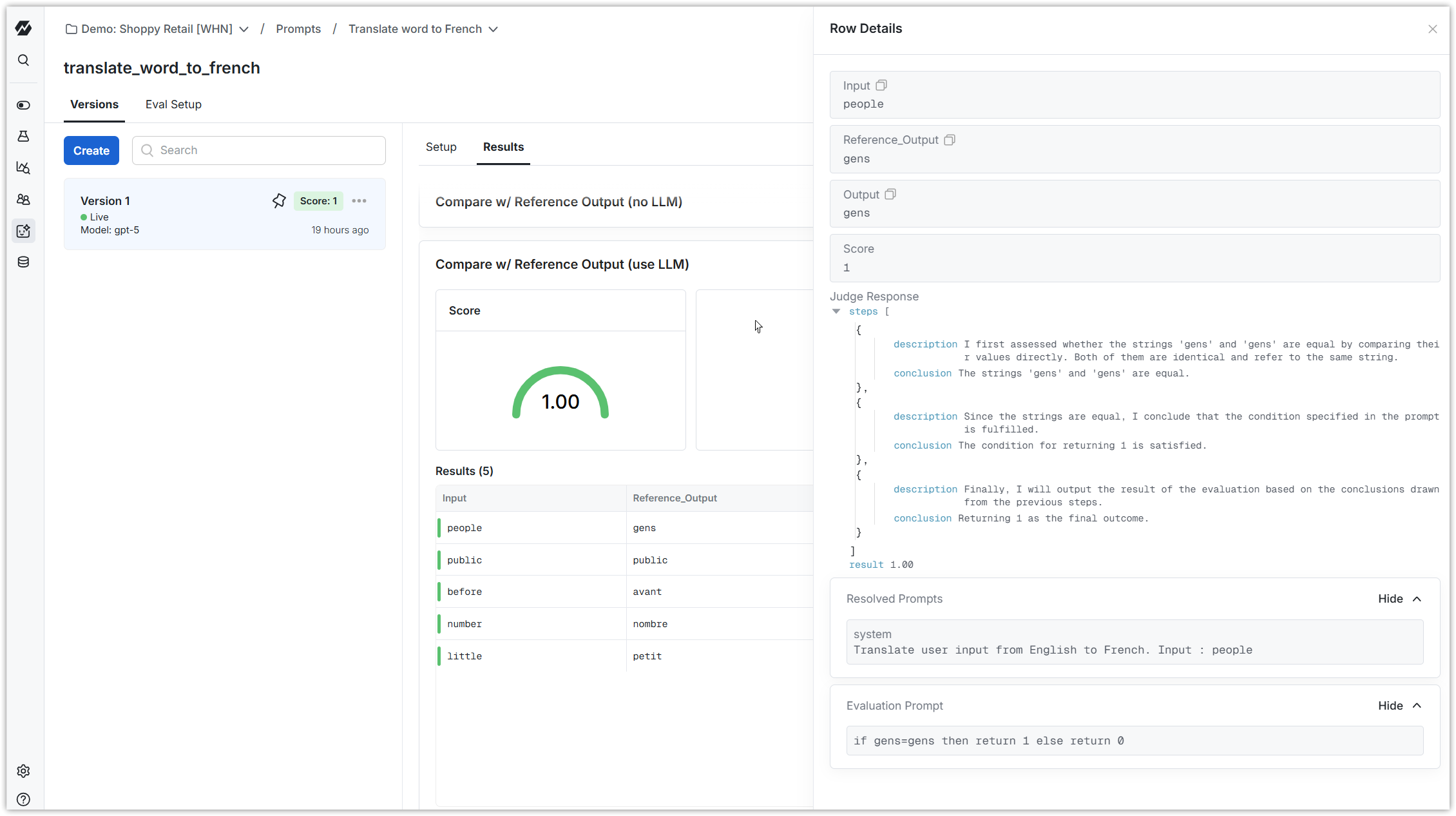
- Run your AI on that dataset to produce output. (e.g. classify each ticket in this example)
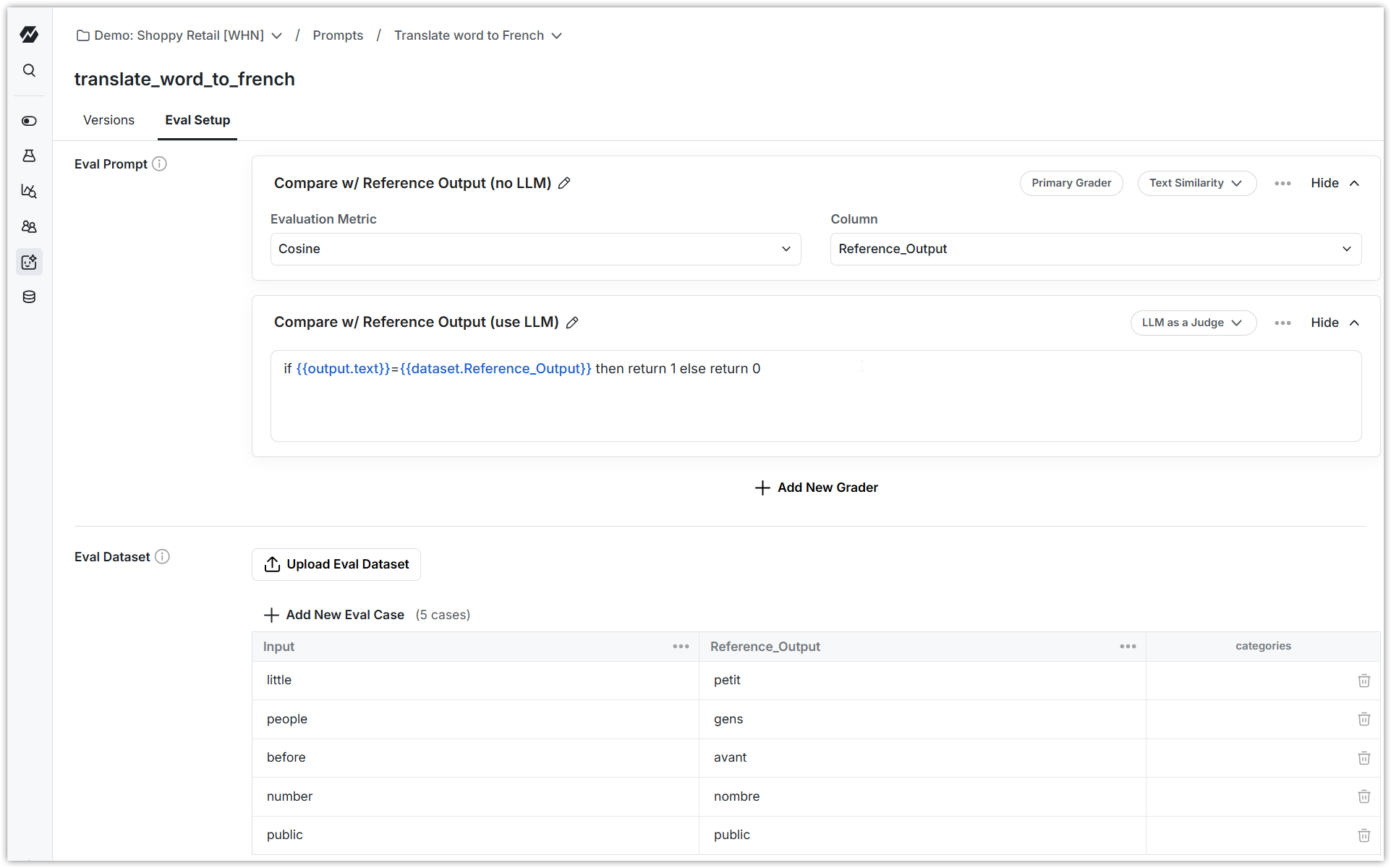
- Grade or score the outputs. You can do this by comparing ideal answer in the dataset with the output your AI generated.
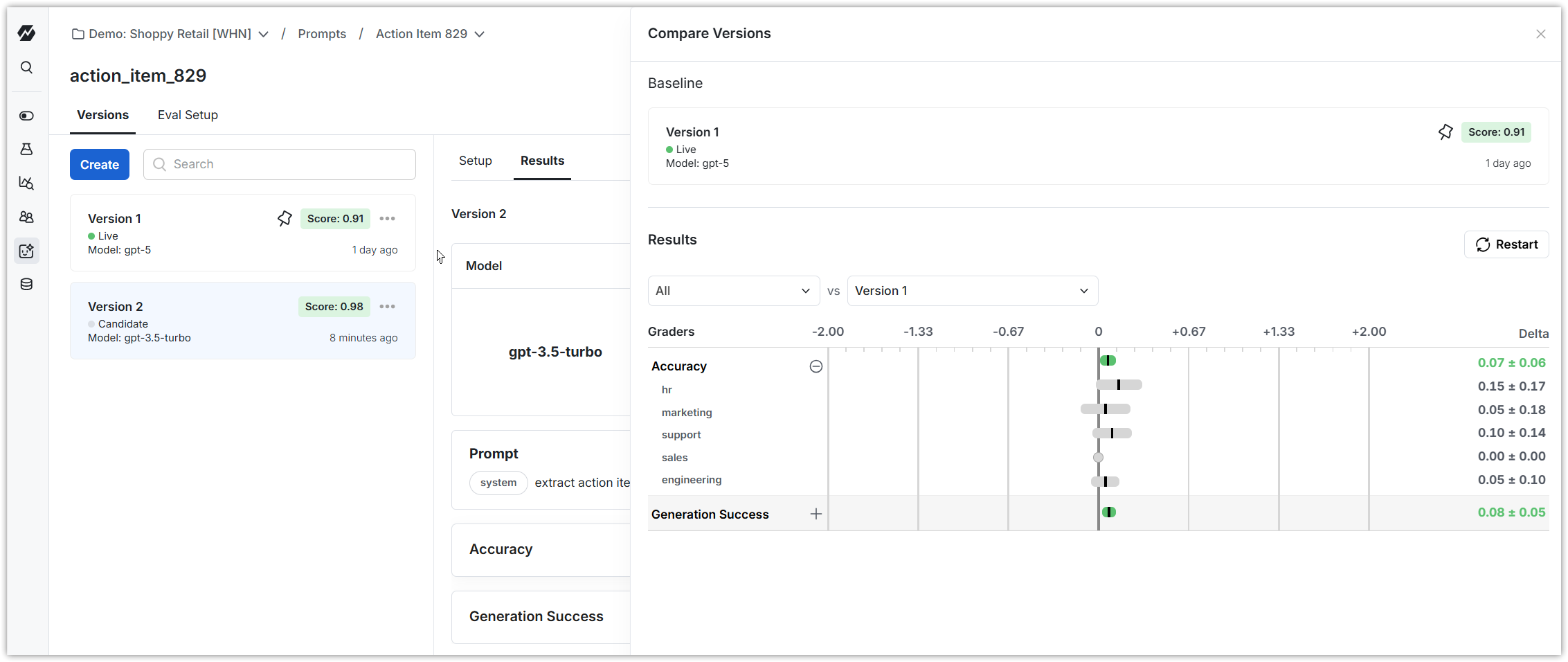
- Create multiple versions of your prompts. Compare scores across versions and promote the best one to be Live.
Create/analyze an offline eval in 10 minutes
1. Create a Prompt within Statsig This captures the instruction you provide to an LLM to accomplish your task. You can now use the Statsig Node or Python Server Core SDKs to retrieve this prompt within your app and use it. You can create multiple versions of the prompt as you iterate, and choose which one is “live” (retrieved by the SDK).