Overview
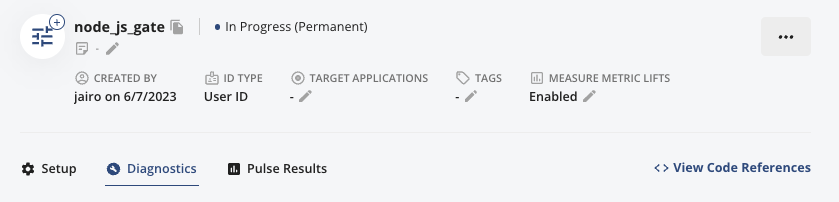
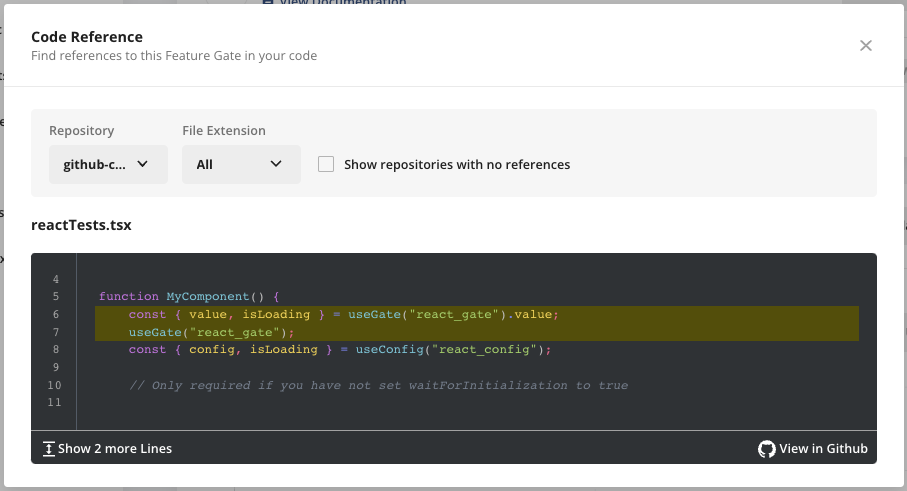
The Statsig Github Integration allows you to find Feature Gate and Dynamic Config references within your codebase on the Statsig Console. The integration leverages the Github API to access only references to the Feature Gate or Dynamic Config without storing any sensitive information.Configuration
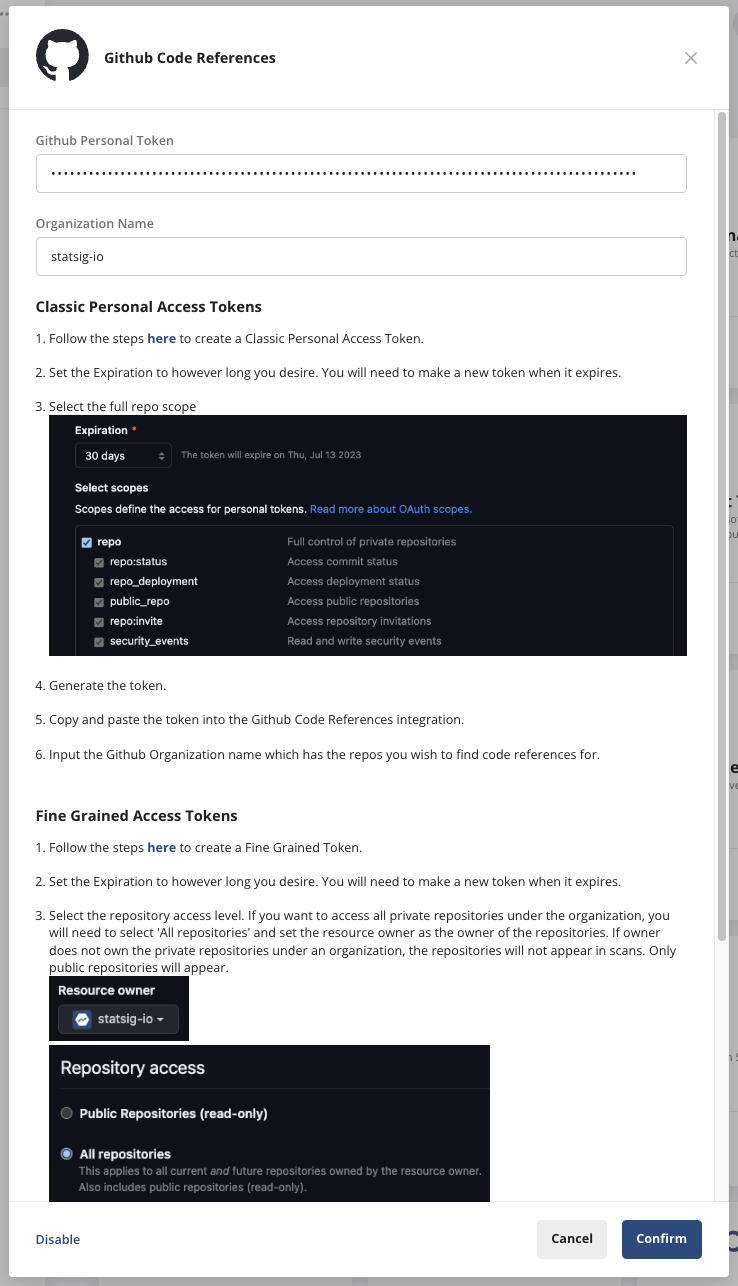
Create a new Github developer token, either Classic or Fine Grained, with at least read access to the organization or repositories that you use Statsig. This can be found in Github under Settings > Developer Settings > Personal Access Token. Then, login to the Statsig Console and navigate to the Github Code References integration on the Integrations page. This can be found in Project Settings > Integrations Tab > Github Code References. The Integration should provide additional instructions on how to enable Github Code References.